
Softkit · Design
ArtKit
Vector + raster in one focused studio.
Pen, shapes, layers, pathfinder, filters, and export — in the browser on any desktop OS, or as a native install for Mac, Windows, and Linux.
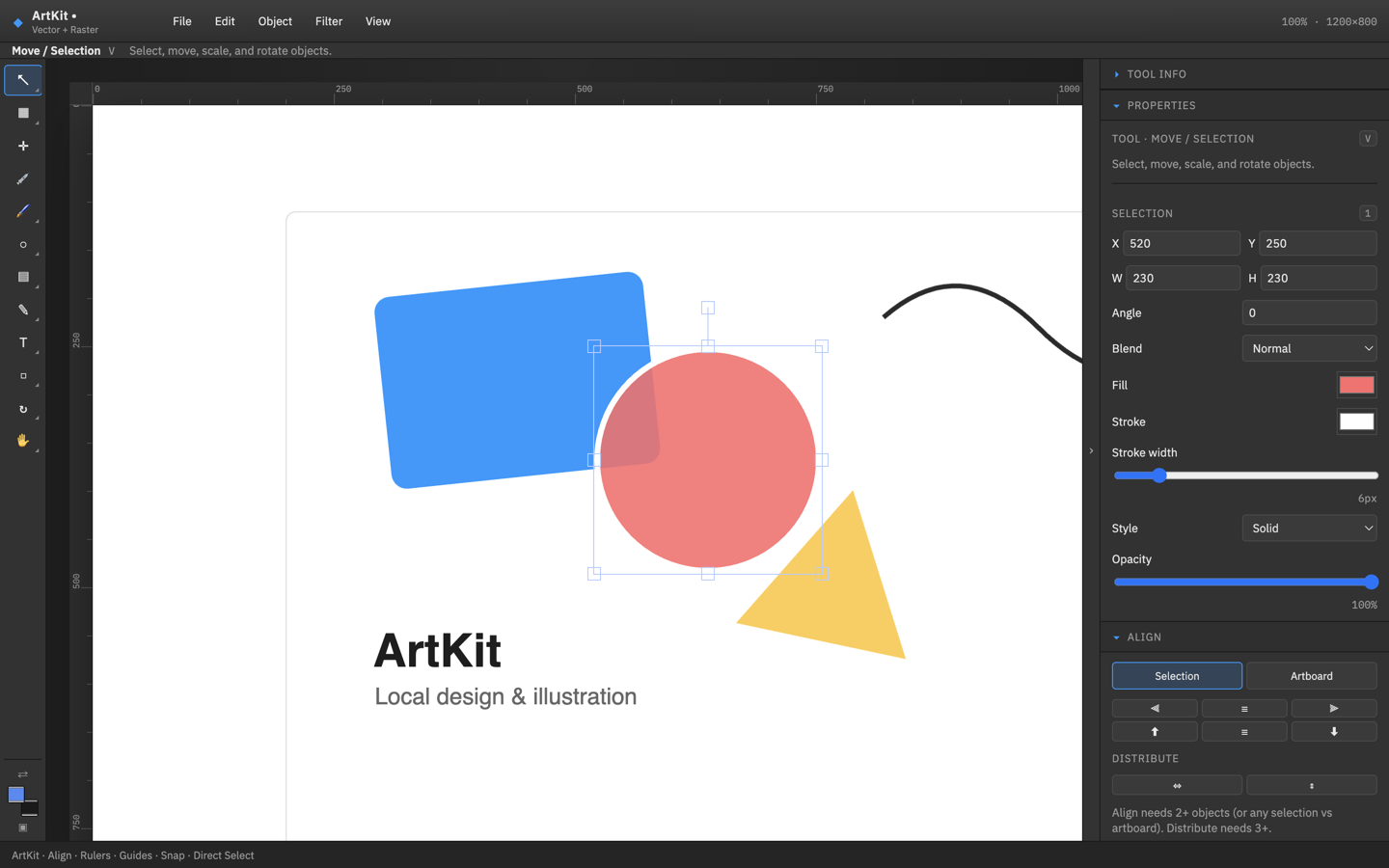
Illustration basics without the suite tax.
The tools you reach for daily — not a thousand panels you’ll never open.
- Vector & raster together Draw with the pen, paint with brushes, keep layers organized in one document.
- Pathfinder & shapes Boolean ops, rectangles, ellipses, polygons, stars — plus align and distribute.
- Artboards & export Multi-artboard layout, PDF import/export, and unified export for what you ship.
- Runs where you are Use it in the browser, or install the desktop build for Mac, Windows, and Linux.
From blank board to export.
Same workflow in browser or desktop.
-
01
Open ArtKit
Launch in the browser or open the desktop app — no account required.
-
02
Draw & arrange
Use pen, shapes, type, layers, and pathfinder. Snap to guides and grid when you need precision.
-
03
Export
Save your project or export the artboards you need.
Your work stays yours.
Core editing runs in your browser or on your machine. No Softkit account required.
Read the full Privacy Policy for how Softkit apps handle files.
Get ArtKit
Use it in the browser instantly, or download a desktop build — Mac .dmg, Windows .exe, Linux AppImage.
v0.1.0 · Browser recommended for the latest ArtKit. Desktop packages may still show the previous DuoArt binary name inside until the next rebuild. Mac may show a Gatekeeper prompt until notarized.
Bugs & feature ideas
Tell us what broke or what you want next. Issues are public — source stays private for now.