
Softkit · Video
QuickCut
Cut video at the speed of thought.
Drop clips on a timeline, mark what to remove, add transitions where clips meet, then export one finished file. Runs entirely on your machine — Mac, Windows, or Linux.
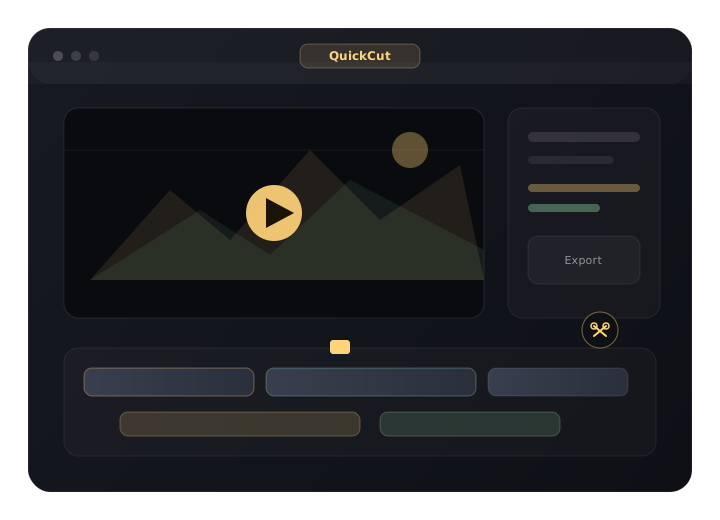
Everything you need to ship a cut.
A focused timeline editor — not another bloated suite.
- Multi-track timeline Layer clips, drag to reorder in time, hide tracks you don’t want in the export.
- Precision cut Mark Start / End, scrub frame by frame, cut one range or several at once.
- Rotate, crop & transitions Fix orientation, frame the shot, and add crossfades or fades at clip junctions.
- Fast export Lossless stream copy by default; optional frame-accurate re-encode when you need exact cuts.
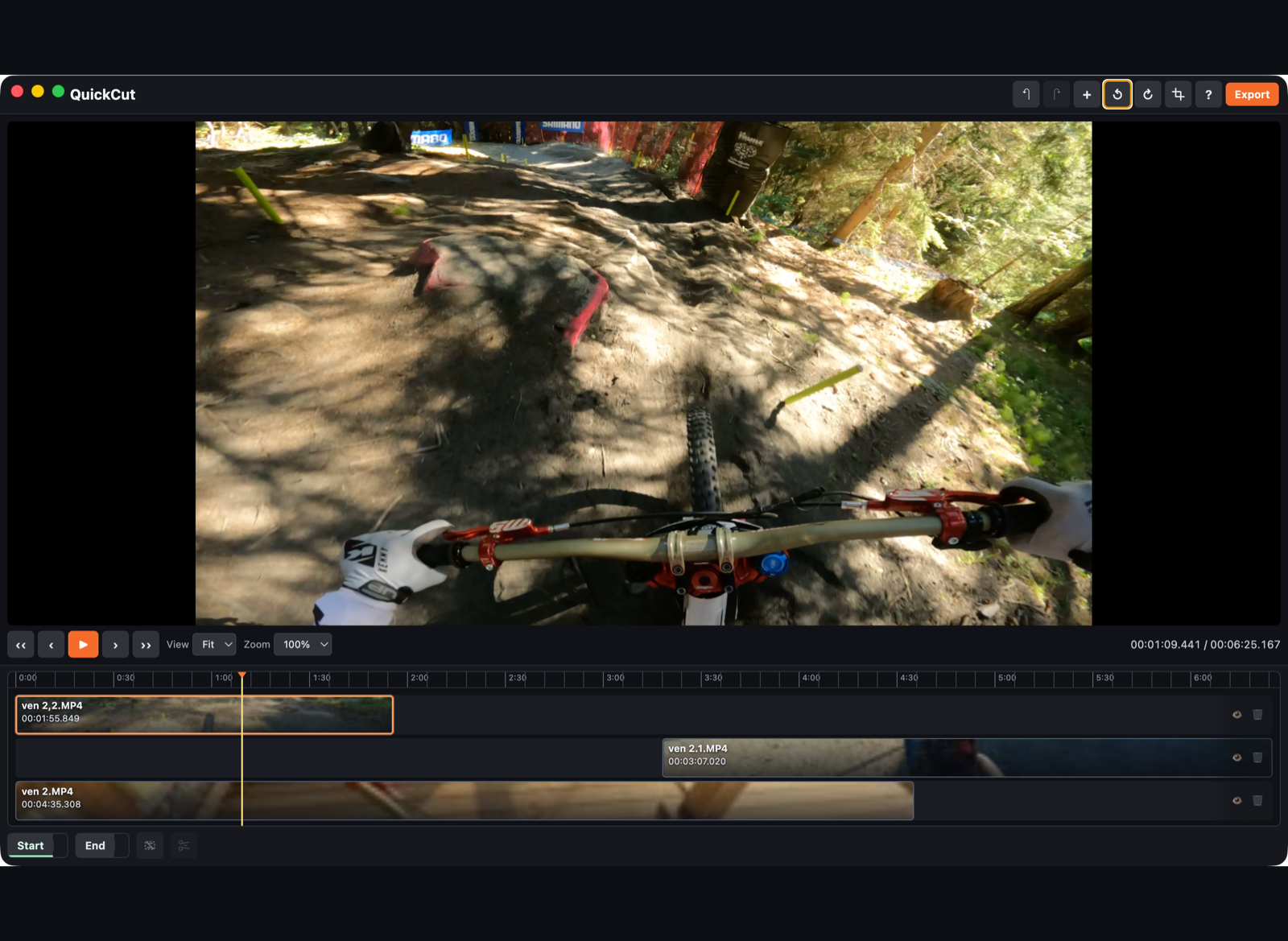
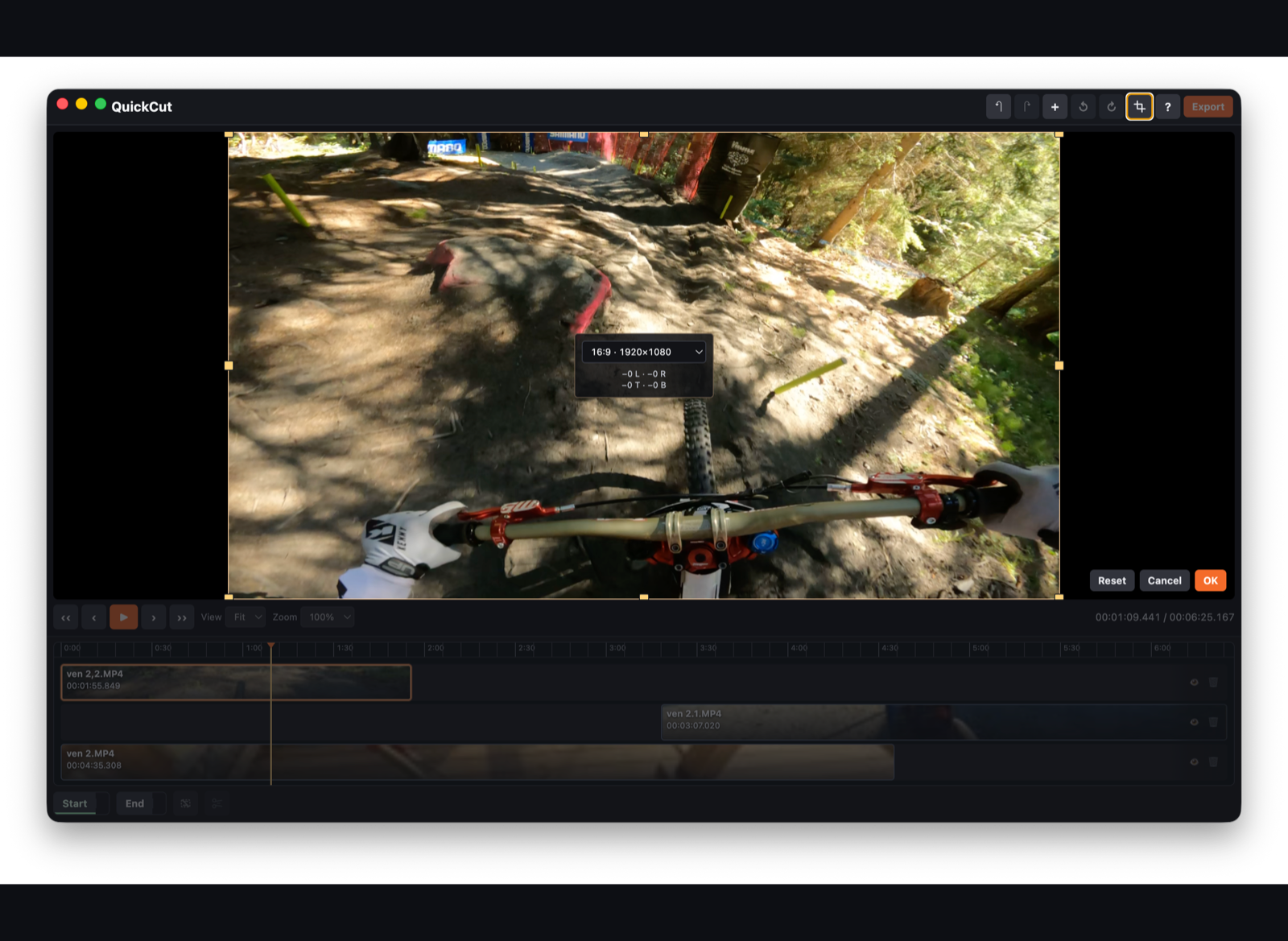
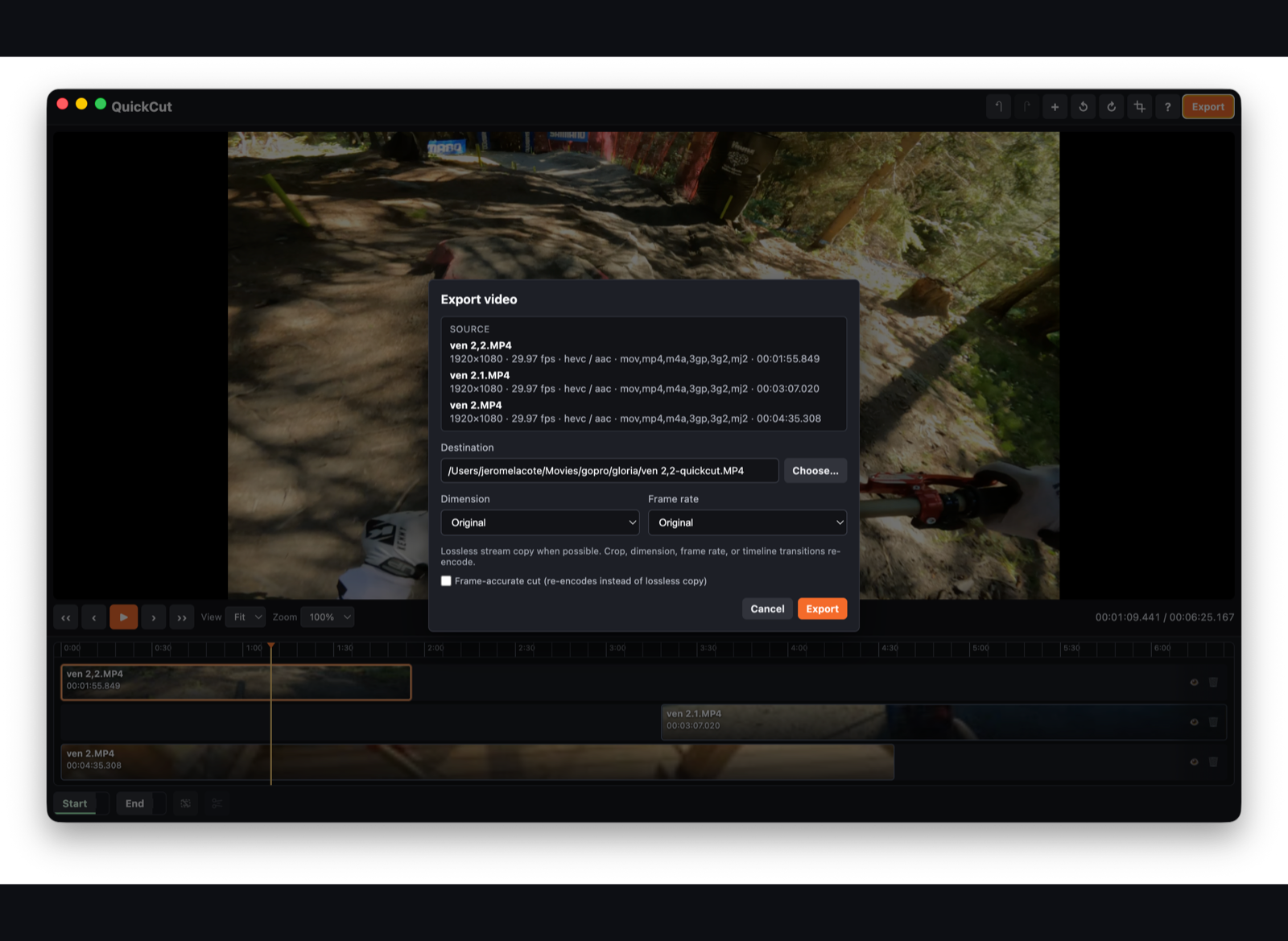
From drop to export in minutes.
Designed for editors who want the cut done, not a new project template.
-
01
Drop your clips
Drag videos in or choose files. Thumbnails land on the timeline immediately.
-
02
Cut the fluff
Scrub, mark Start / End, cut. Rotate, crop, or add a transition when the join needs polish.
-
03
Export one file
Pick a destination. QuickCut merges the visible timeline with bundled FFmpeg.
Your footage never leaves your machine.
No account. No cloud upload. No analytics baked into the editor.
Processing stays local. Temporary files live in your system temp folder and are cleaned up after export. Read the full Privacy Policy.
Get QuickCut
Desktop only — video export needs the local app. Download a Mac .dmg, Windows portable .exe, or Linux AppImage. Mac App Store listing coming soon.
v0.1.0 · Mac .dmg · Windows portable .exe · Linux .AppImage · Mac App Store coming soon. Direct Mac builds may show a Gatekeeper prompt until notarized.
Bugs & feature ideas
Tell us what broke or what you want next. Issues are public — source stays private for now.